

Enterprise-grade UniFi.
Network, Wi-Fi, CCTV and door access on one console, designed before it's bought, supplied at partner terms, managed after it's live. UK-wide.

- Ubiquiti Enterprise PartnerOne of Ubiquiti's selective-tier UK partners.
- No licence feesNo per-camera, per-door or controller subscriptions. You own the estate.
- ISO 27001 · Cyber Essentials PlusAudited information security and delivery.
- 160+ sites managedWatched around the clock by our UniFi NOC.
Four lines. One console.
Everything below runs from one UniFi OS console, with one identity model and one set of logs, and no per-camera, per-door or controller subscriptions. We deploy all four.
 Network
Gateways and switching
Dream Machine Pro Max or Enterprise Fortress Gateway at the edge. Pro Max switching, 10G uplinks, PoE++ behind it.
 Wi-Fi
Wi-FiWi-Fi 7, surveyed first
U7 access points placed by Ekahau survey and UniFi Design Center, then validated once mounted. Indoors and across the grounds.
 Protect
CCTV on the same console
G5 and G6 cameras with on-camera AI, recording to a UNVR. AI Port brings existing cameras into the same detections.
 Access
Doors, gates, intercoms
G3 readers with NFC cards and mobile credentials, door and gate hubs, intercoms. ANPR on Protect opens the gate.
Cross-vendor work (Juniper Mist, Fortinet, HPE Aruba) lives on the Networks page.
Where UniFi earns its keep.
The same four lines, deployed differently depending on who is walking through the door.
Hospitality
Guest Wi-Fi that holds up at check-out, staff and back-of-house on their own VLANs, cameras on the same console. Surveyed across the building and the gardens.
Hydro HotelSchools and trusts
Safeguarding-grade segmentation, Protect cameras with retention policies, Access on the gates, installed by DBS-checked engineers, in the holidays.
Estates and events
Kilometres of fibre, outdoor Wi-Fi 7 and temporary networks that go live in a day and come down on the Monday.
Leonardslee LightsCommercial property and flex workspace
Member Wi-Fi with a VLAN per tenant, door access tied to onboarding, meeting rooms and cameras on one console across the building.
Foundry by Legal & GeneralAirfields and rural sites
60 GHz building-to-building links, cellular failover, ANPR on the gate and cameras across open ground where there's no fibre to be had.
Deanland AirfieldMulti-site businesses
Every branch in Site Manager, SiteMagic SD-WAN between them, one firmware policy, one identity model, one bill.
Specialist by depth, not by exclusivity.
- 01
Selective tier
Ubiquiti's Enterprise Partner tier is selective, and we're on it.
- 02
Designed first
Ekahau survey and UniFi Design Center before anything is ordered. The bill of materials falls out of the design.
- 03
Hosted and managed
Console hosted by us or managed in place. Firmware staged, backups off-console, UK NOC watching 24/7.
- 04
Partner terms
Hardware through the Enterprise Partner channel, right SKUs, sensible lead times, pre-adopted on the bench.
- 05
Takeovers
Inherited a UniFi estate nobody designed? We review it, document it and bring it under management.
Most UniFi problems are ordering mistakes.
Too few access points, the wrong ones, a switch with no PoE headroom, a gateway that won't keep up when the cameras arrive. A survey costs a fraction of fixing that after the fact.
- 1
Site walk
Building fabric, cable routes, comms rooms, power. Photos of everything.
- 2
Predictive design
Floor plans into Ekahau; walls modelled by material. AP count and placement fall out of the maths, not a guess.
- 3
Design Center
The Ekahau plan translated into UniFi kit (gateway, switching, PoE budget, uplinks) and a bill of materials.
- 4
Validation survey
After install, a walk with the survey kit to prove coverage and throughput match the design.
- Heatmaps for 2.4, 5 and 6 GHz
- AP placement plan on your floor plans
- Cabling schedule and containment routes
- PoE budget per switch, with headroom
- VLAN and SSID plan
- Bill of materials you can challenge
The design is yours whoever installs it.
Designed, fitted and run by us.
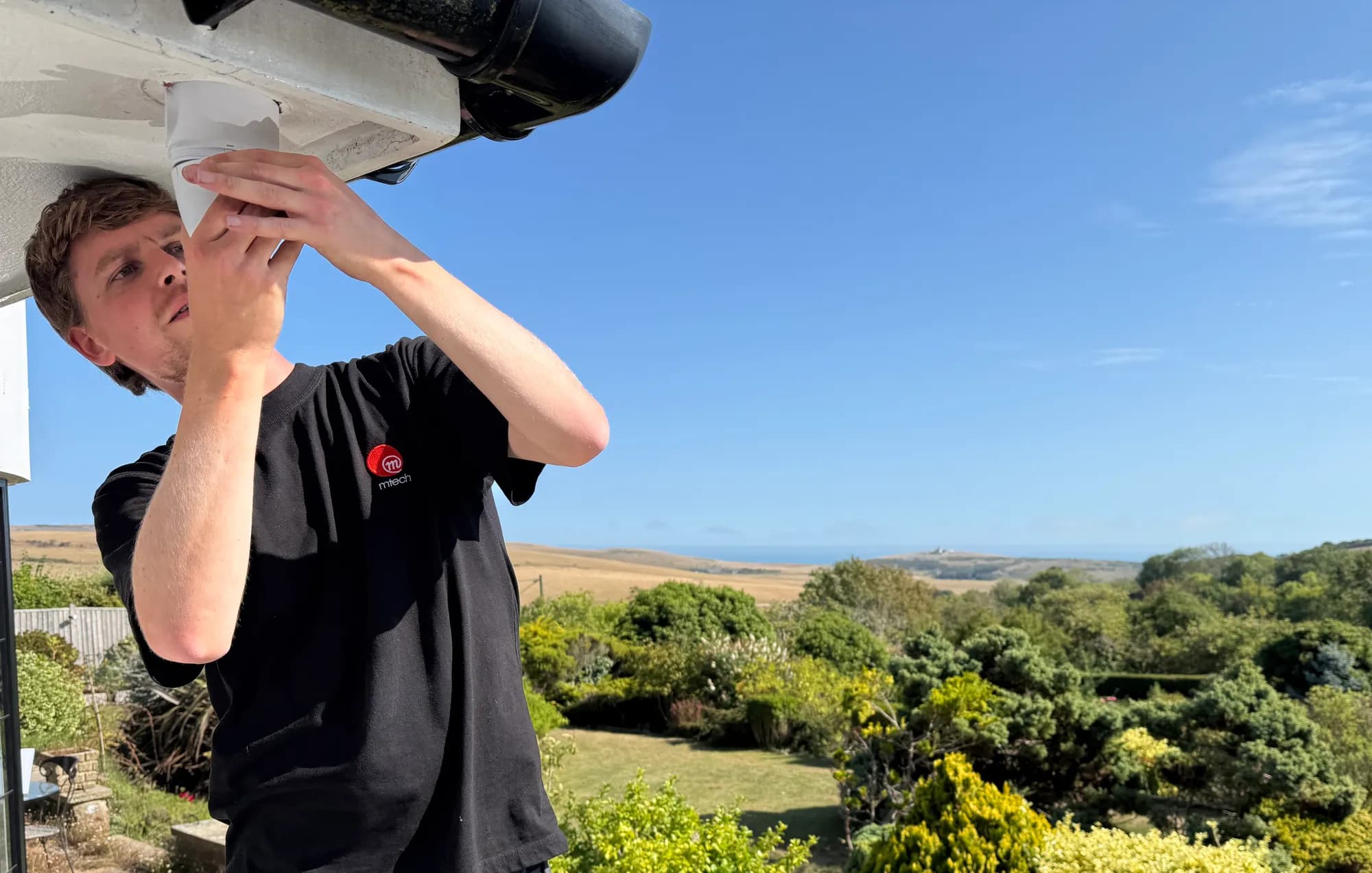
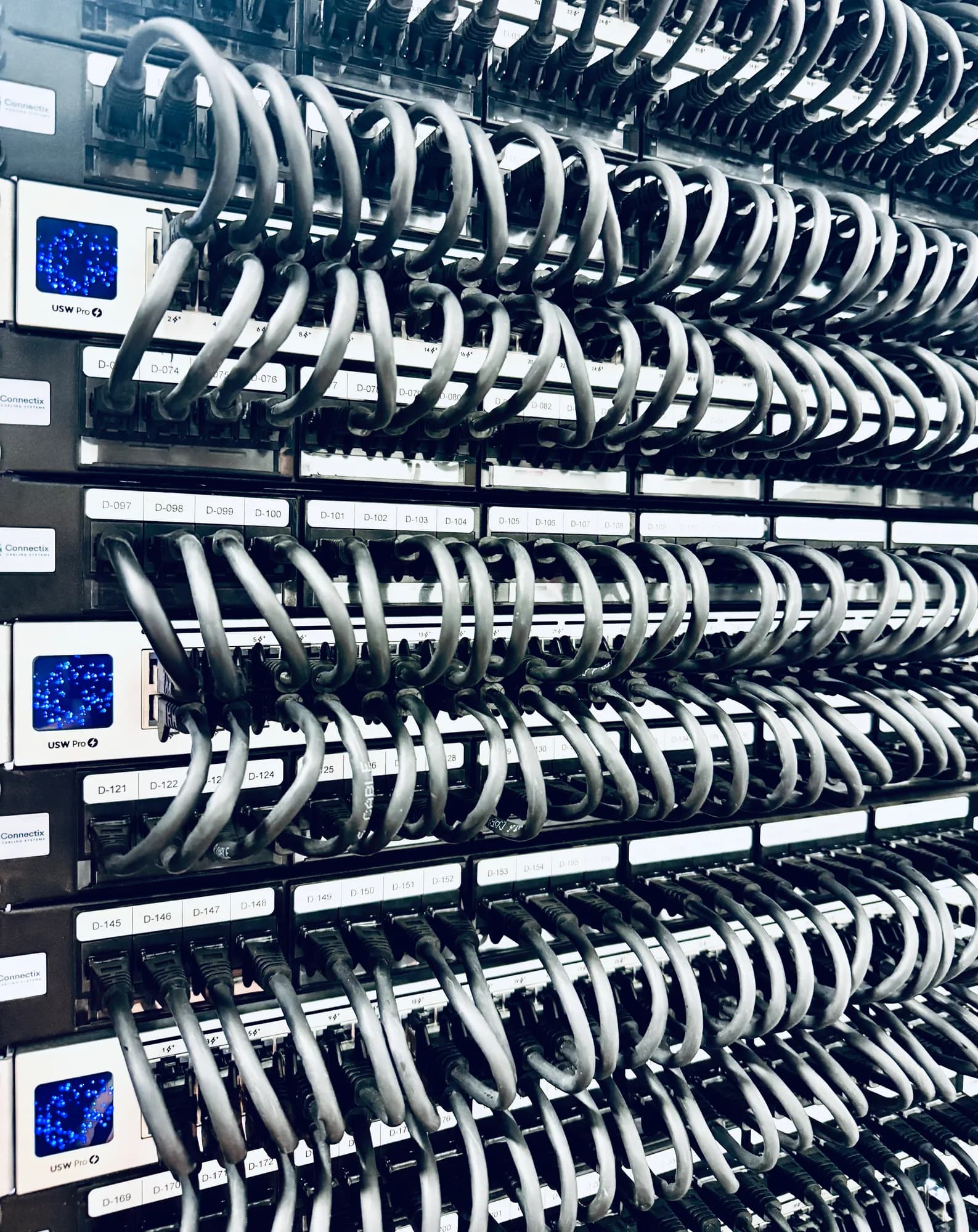
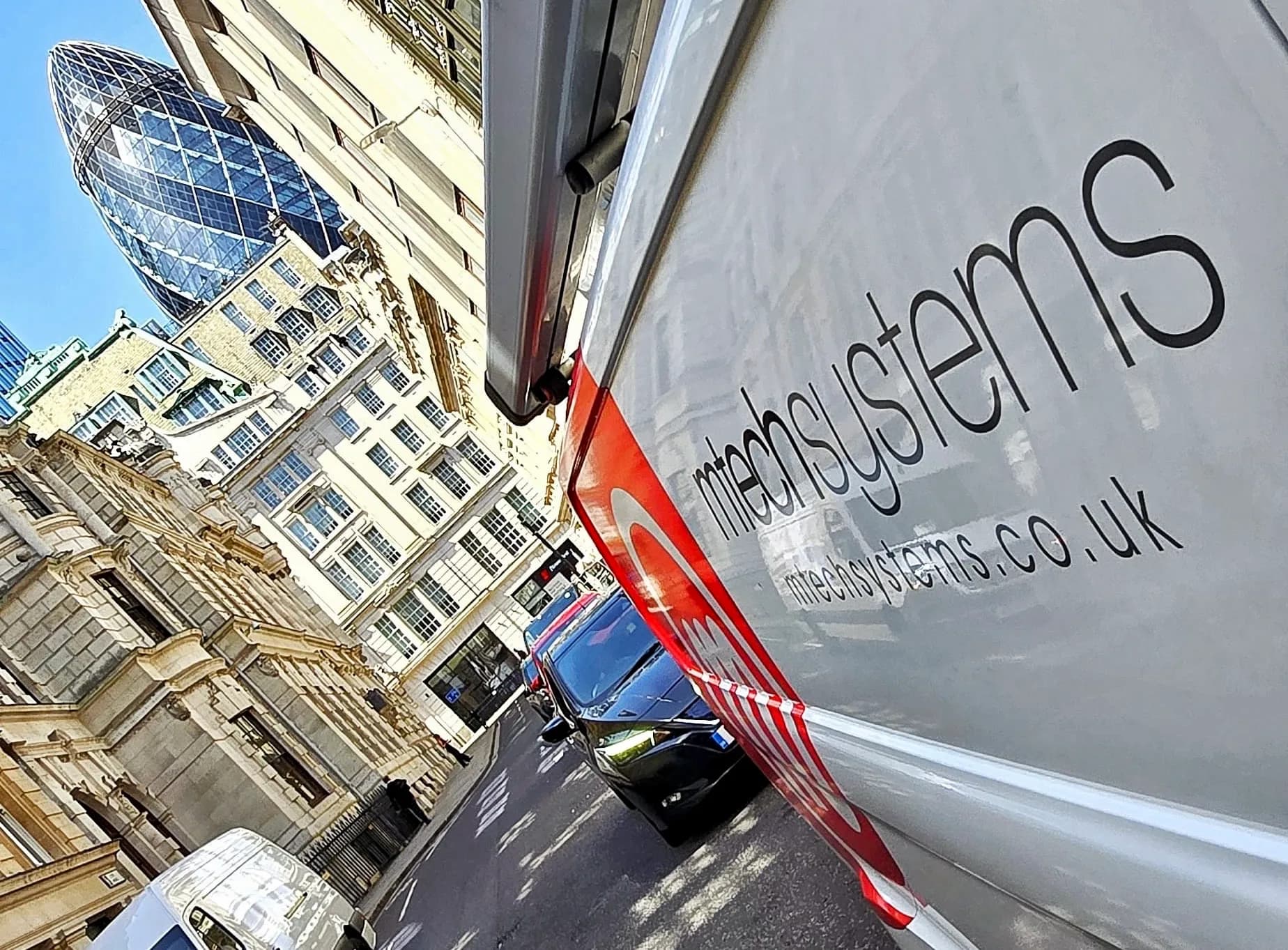
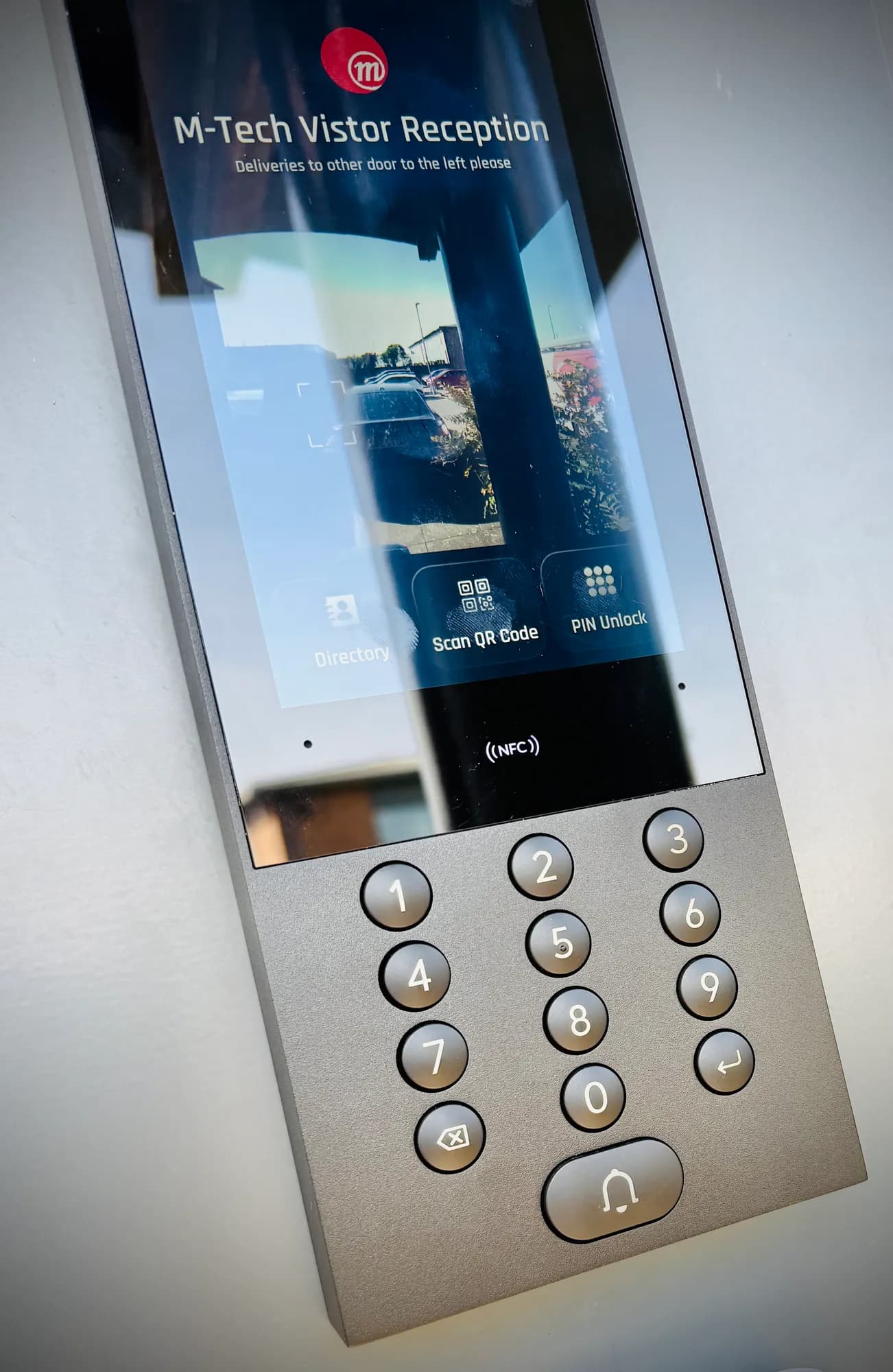
Our own engineers and our own vans, on site from the South Downs to the City. The same team surveys it, builds it and answers the phone afterwards.
- 160+managed UniFi sites
- 85UniFi consoles under management
- 1,200+network and security devices
- 4,000+connected clients, wired and wireless
Proven in more scenarios than most installers will ever see.
Hotels, schools, airfields, festivals, country estates, coworking brands, light industrial, rural sites with no fibre for miles. Across more than 160 estates we have put UniFi into almost every situation a UK business can present.
That breadth is the point. We know which access point holds up outdoors in a Sussex winter, which switch runs out of PoE first, where a hosted console beats a gateway in a cupboard, and which firmware release to leave alone. Not from the brochure, but from having got it wrong once, fixed it, and written it down.
Every rule on the right was paid for on a real site.
- Wi-Fi across grounds
A U7 Outdoor on a pole beats two indoor APs pushed through a wall. Every time. Outdoor coverage is designed outdoors.
- Camera estates
Cameras eat PoE budget faster than the datasheet implies. We specify Pro Max PoE switching with headroom, never to the wire.
- Outlying buildings
60 GHz building-to-building links are superb with clean line of sight, and they need a fallback path designed in, not bolted on.
- Multi-site brands
A Dream Machine in a cupboard is a single point of failure for every site. Multi-site estates belong on a hosted console.
- Firmware
Never day-one firmware. Every release runs on our own estate first. We know what a bad Protect update does to four hundred cameras.
- Old buildings
Flint, stone and Victorian brick swallow 5 GHz. APs go where the survey says, not where the ceiling looks tidy.
- Temporary networks
For a festival, everything is adopted and configured on the bench. Site day is patching and mounting, not troubleshooting.
- Gates and ANPR
Number plates need a camera angled for plates, not people, different lens, different mount, different position to the door camera.
Estates, not test benches.
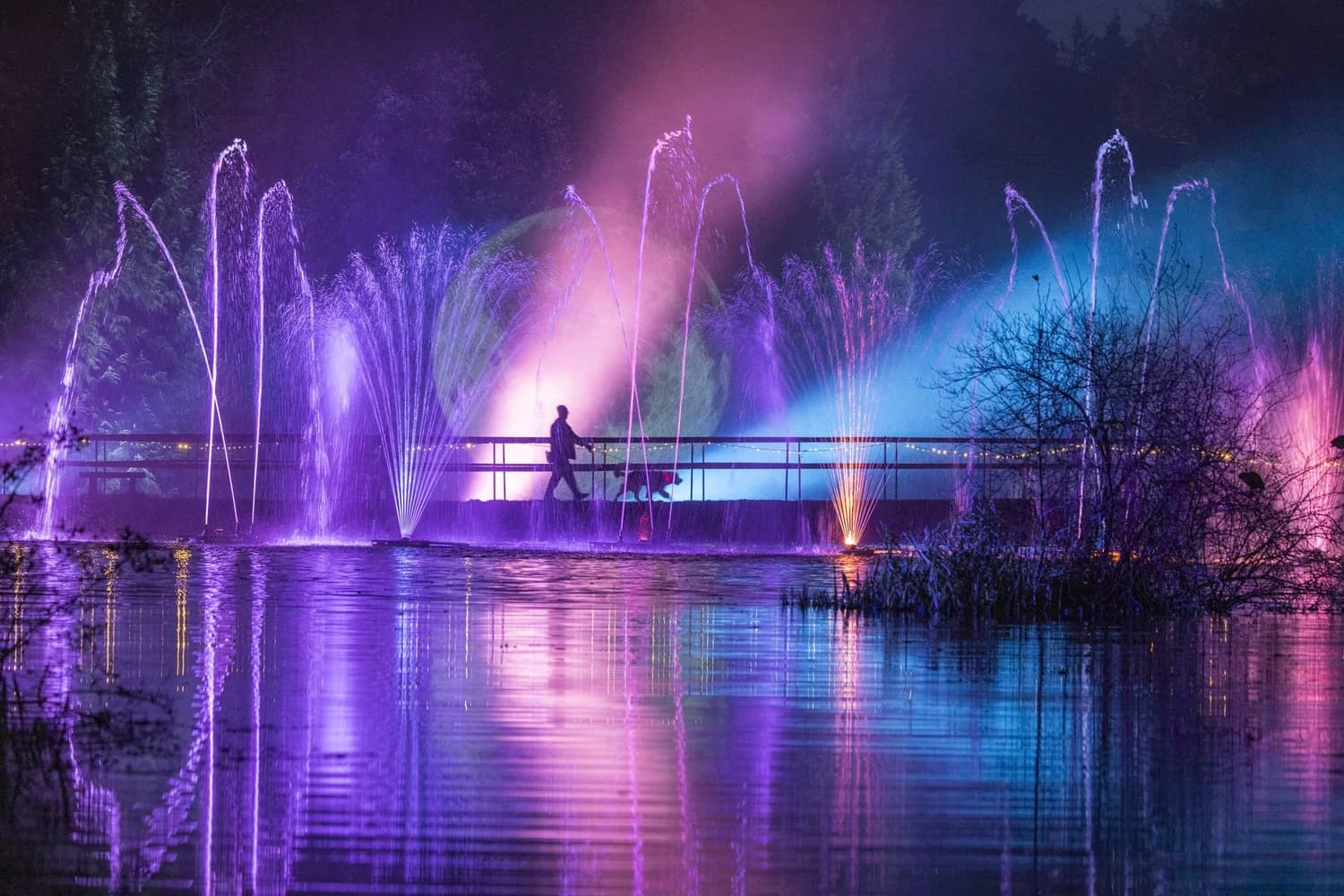
Leonardslee Lights
10G fibre core, kilometres of fibre, outdoor Wi-Fi 7 and Protect across a country estate, with Art-Net lighting and Dante audio on the same fabric.
Read the case study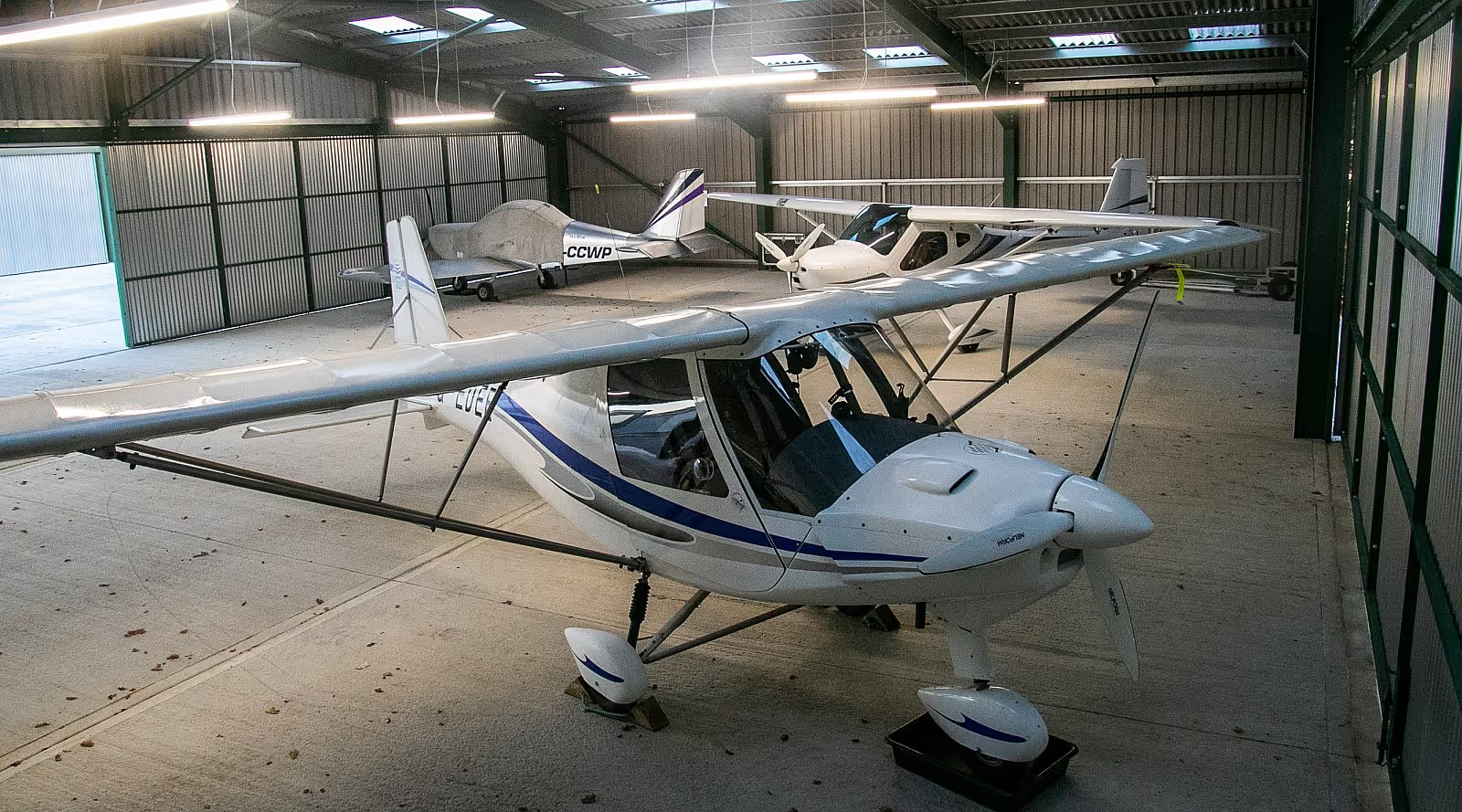
Deanland Airfield
Network, Protect and Access as one: AI cameras across hangars and gates, ANPR gate automation, 60 GHz links to the outlying buildings.
Read the case study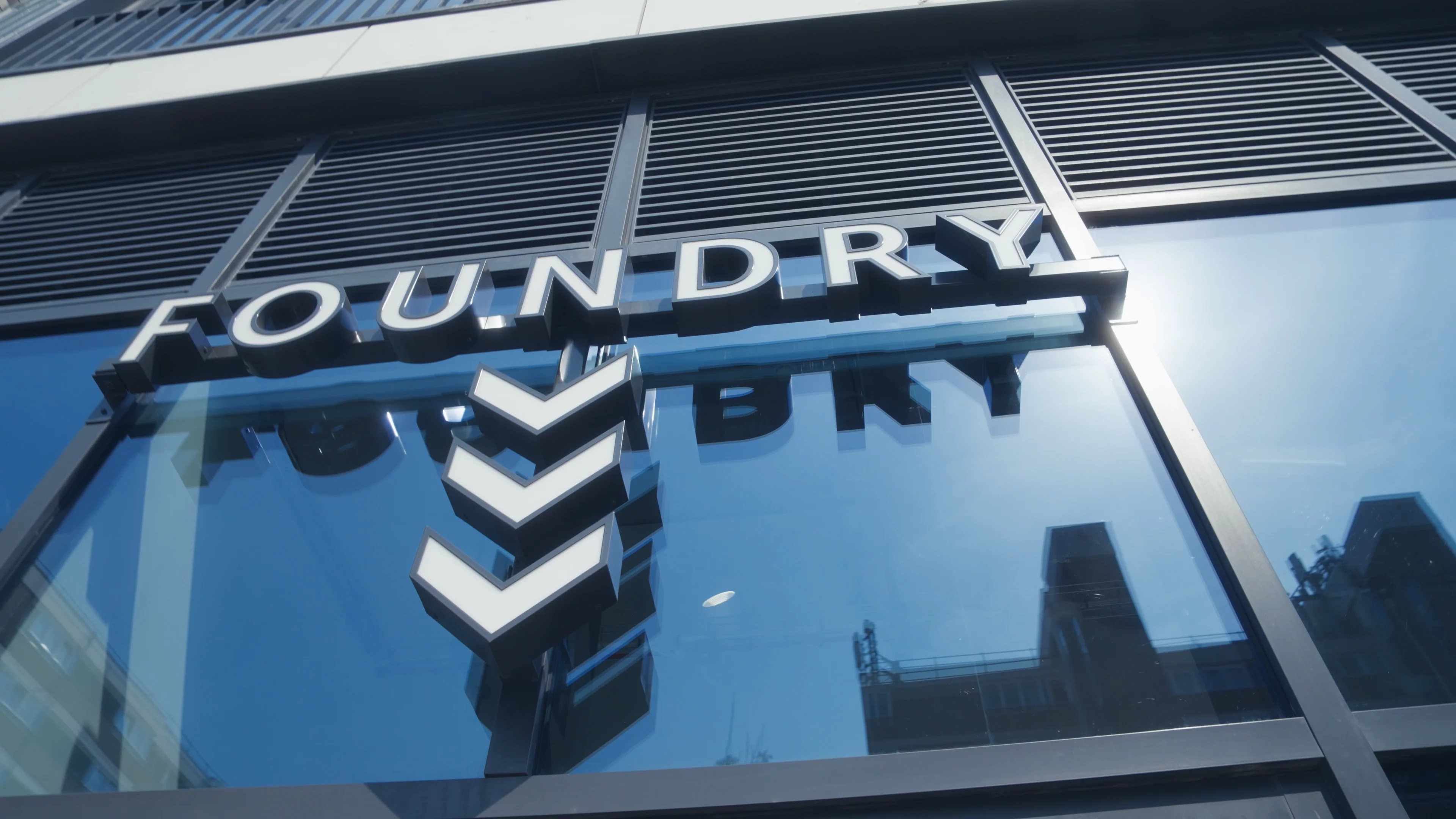
Foundry by Legal & General
Six coworking sites run as one platform: UniFi switching at every site, Protect cameras and Access control that follow the member across the brand, Wi-Fi on UniFi at some sites, Juniper Mist at others.
Read the case study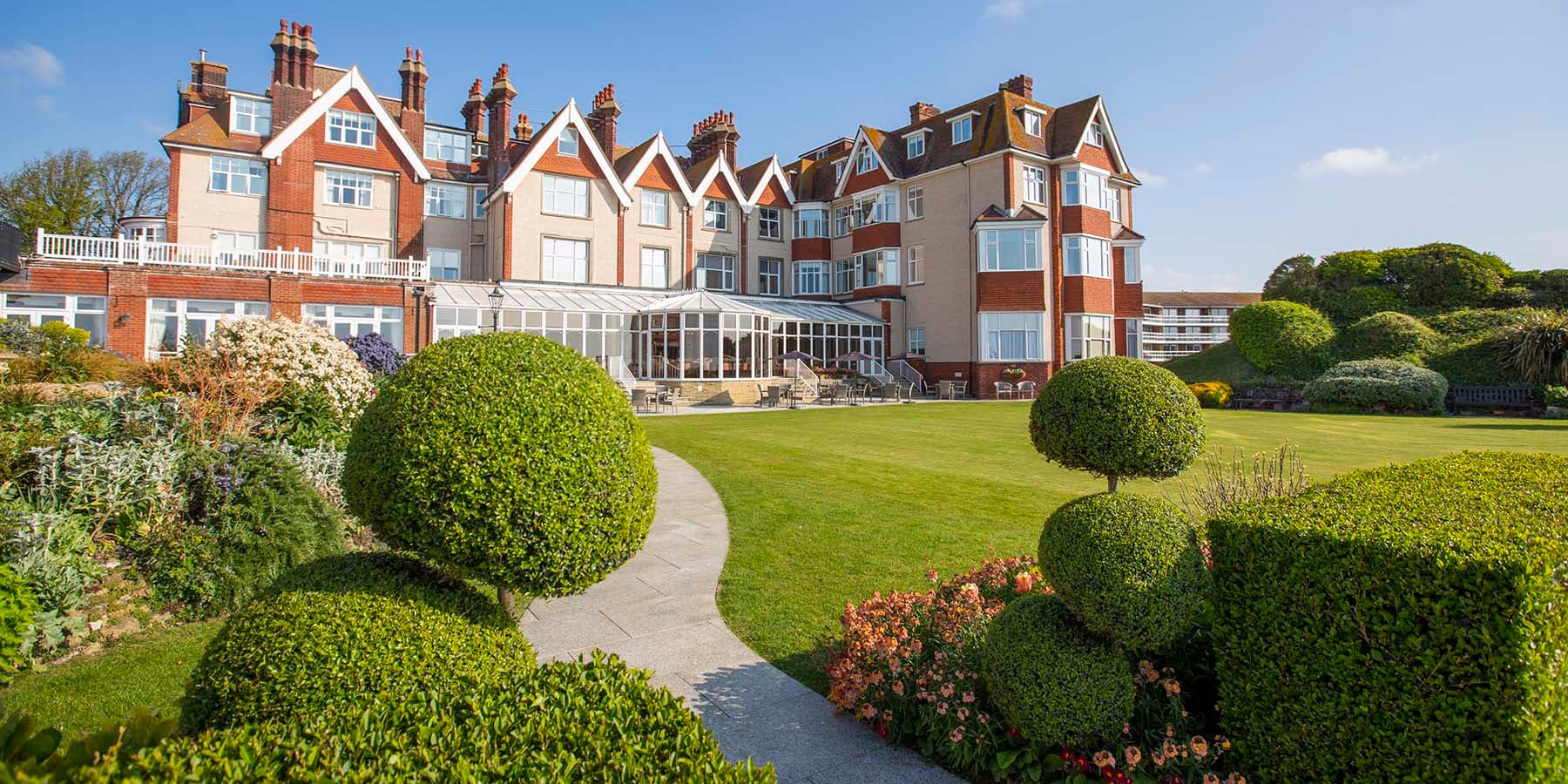
Hydro Hotel
Four disconnected networks to one managed estate: surveyed Wi-Fi across a landmark hotel and its gardens, IP CCTV, all delivered without disrupting live operations.
Read the case study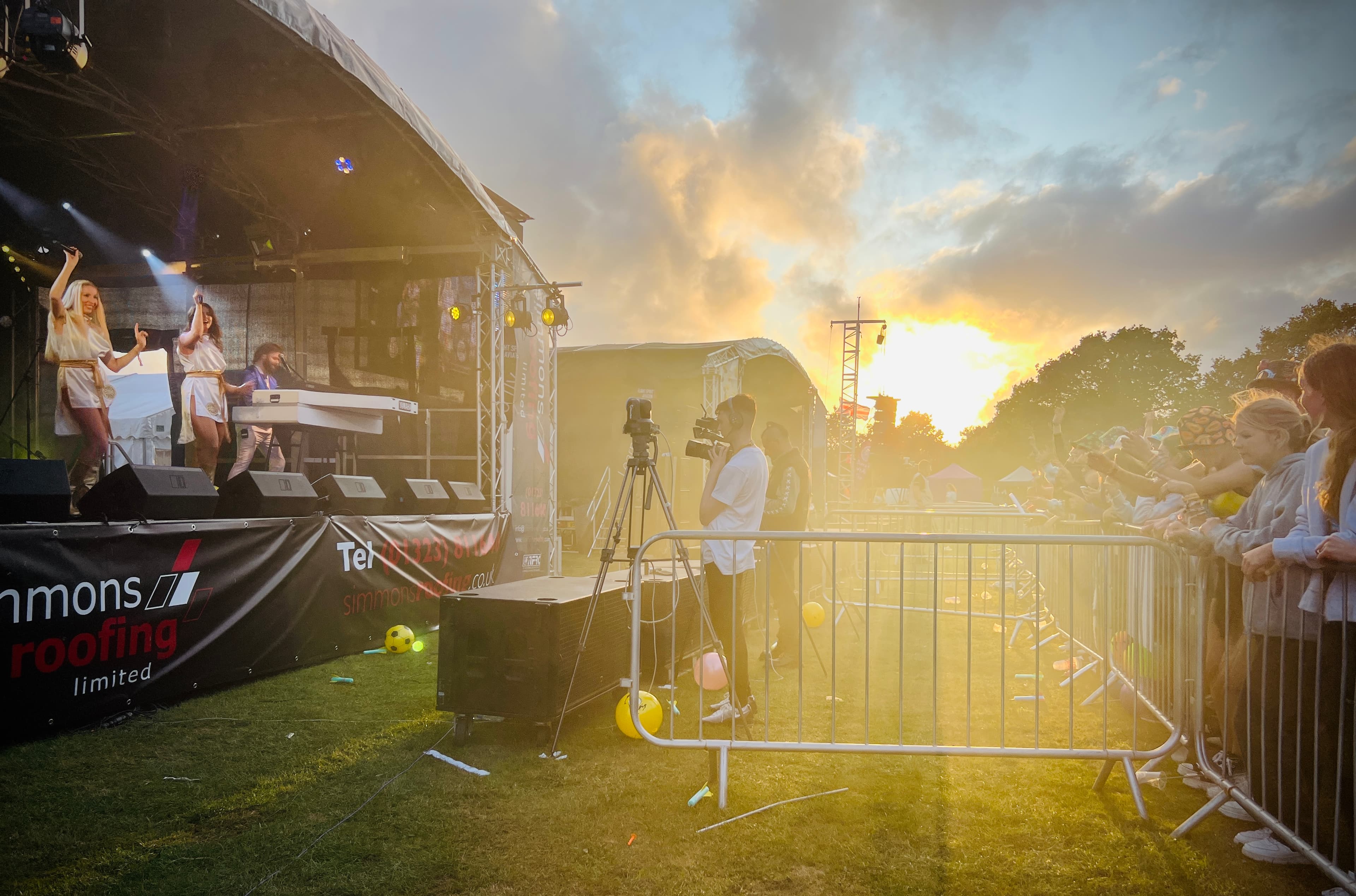
Chiddfest
A green field on Friday morning, a live festival by night: twenty-plus access points tuned with Ekahau, miles of temporary fibre and copper, diverse internet, engineers on site all weekend.
Read the case study
Inherited a UniFi estate nobody designed?
UniFi is easy to adopt and easy to leave half-finished. A large share of our UniFi work starts with an estate someone else installed.
- Access points on auto channels, talking over each other
- One flat network: cameras, guests and servers together
- The controller is a laptop, or nobody knows the password
- Firmware years behind, updates switched off after one went wrong
- No drawings, no port map, no idea what's in the loft
- 01
Recover and record
Regain console access, export the configuration, photograph and label every device. Nothing changes yet.
- 02
Posture review
Firmware, VLANs, firewall rules, Wi-Fi survey of what's actually there. Written up plainly.
- 03
Stabilise
Fix the dangerous parts first (exposed management, flat networks, failing PoE) without a rip-out.
- 04
Design the gap
What stays, what goes, what's missing. Kit you've paid for usually stays if it's the right kit.
- 05
Under management
Adopted to a console we look after, monitored, scheduled firmware, a named engineer.
Dream Machine, hosted, or cloud.
The controller is the estate's brain. Where it runs decides what happens when a site loses power, how many sites you can join, and who does the firmware. We run all three.
| Option | Dream Machine on site | Hosted UniFi OS console | Ubiquiti cloud hosting |
|---|---|---|---|
| Best for | A single building with its own internet | Multi-site, remote or high-availability estates | Small estates that want zero on-site kit |
| Where it runs | A gateway in your comms room | M-Tech infrastructure, UK-hosted | Ubiquiti's cloud |
| If the site loses power | Console goes with it | Console stays up; site reconnects | Console stays up; site reconnects |
| Multi-site | One console per site, joined in Site Manager | Any number of sites on one console | Any number of sites on one console |
| Backups and firmware | Ours to schedule, on your hardware | Ours, staged on our estate first | Ubiquiti's cadence; we manage the estate |
| Who you call | M-Tech | M-Tech | M-Tech |
Most of our managed estates sit on the hosted console. We'll recommend the one that fits, not the one that's convenient for us.
When UniFi doesn't do it, we build it.
The Network, Protect and Access APIs are a platform. We write software against them, for our own estates first, then for customers who need the network to do something the console can't.
Gate automation
Protect reads the number plate, Access opens the gate, every entry is logged against the vehicle. Deanland Airfield.
Member onboarding
Door rights and Wi-Fi credentials follow the member across a multi-site coworking brand the moment they sign up.
Our own NOC
Expected-state monitoring across every managed UniFi site, written in-house because native alerting couldn't do it. Every customer, every day.
Guest Wi-Fi at scale
A branded, consented captive portal on the UniFi hotspot for festivals, hotels and cafés. It became a product: M/agnet, below.
Built by M-Tech Labs, our software arm.

Guest Wi-Fi that behaves itself.
M/agnet is a UniFi-first captive portal for venues' public Wi-Fi: a branded sign-in that matches the venue rather than the network gear, consent captured as an audit trail, returning guests recognised, vouchers for events, and a real, consented marketing list at the end of it.
- Branded portals
- Event portals
- Vouchers
- Email sign-up
- Returning-guest recognition
- Consent audit trail
- Multi-tenant venues
- GDPR export & deletion
- Works with
- Every UniFi controller mode, local credentials, API key, cloud, Site Manager proxy. Sub-100 ms auth on the cloud path.
- Built for
- Restaurants and cafés · hotels · coworking · retail · events · gyms and wellness
Design first. Then buy.
- 1
Survey & design
Site walk, Ekahau survey, Design Center plan, bill of materials you can challenge.
- 2
Supply & stage
Partner-channel hardware, pre-adopted and configured on the bench.
- 3
Build & commission
Cabling, mounting, adoption, validation survey. Documented handover.
- 4
Managed
Hosted or managed console, scheduled firmware, 24/7 UK NOC.
A network that is understood, not just watched.
Custom-built in-house, on top of the UniFi APIs, to fix what native UniFi monitoring and alerting gets wrong.
A Network Operations Centre is the part of an IT provider that watches your network all day so you don't have to. Most work the same way: a device goes down, an alert fires, somebody looks. It sounds fine until you notice what it misses. Alerts only tell you what changed. They cannot tell you what failed to come back.
Our UniFi NOC starts from the opposite end, and it is our own software, written in-house because UniFi's native monitoring and alerting couldn't do this. For every site we manage, we know what should be there, every gateway, switch, access point, recorder and camera, and whether each one is expected to be online right now. Instead of waiting for alerts, we check that picture against reality, continuously, across every UniFi site in our care.
That difference shows up on the day it matters. When a site loses power, we see one event, not a storm of thirty alerts. When power returns, we don't assume the job is done: we check that everything that should have come back actually did, and if one camera or one switch stayed dark, we know within minutes rather than hearing about it from you days later.
It also means no green noise. Our reporting only ever lists what is wrong, worst first, in plain language, with what has been fixed since yesterday. And it is honest about its own limits: a site or device we can't see appears as a gap to close, not a silence mistaken for good news.
Because it is built for UniFi from the ground up, it understands UniFi's quirks rather than treating it as another box, which gateways have one WAN and which have two, what a “disconnected” camera actually means, how a site should look after a clean recovery. That is what lets us catch the failures generic monitoring calls healthy.
The result is simple: fewer tickets, found faster, with the evidence already attached.
- Fires an alert when something changesChecks what should be there, continuously
- Thirty alerts in a power cutOne event
- Assumes recovery when the alert clearsVerifies every device came back
- Green dashboards, whatever the stateOnly what's wrong, worst first
- A blind spot reads as healthyA gap is listed as a gap
- UniFi is just another boxKnows one WAN from two, and what “disconnected” means
What managed actually means.
The NOC watches. These three keep the estate as good as the day it was signed off.
Firmware, staged
Releases run on our estate first. Yours gets them in a scheduled window, with a rollback ready.
Reviewed quarterly
VLANs, firewall rules, access permissions and camera retention checked against what the business needs now.
A named engineer
Managed customers reach the engineer who knows the estate, on a UK number, around the clock.
Straight answers.
Can you take over a UniFi estate someone else installed?
Dream Machine on site, or a hosted console?
Do you supply the hardware?
What does “managed” mean after go-live?
What does a UniFi estate cost?
How long from survey to go-live?
We're on Wi-Fi 5 or 6. Is Wi-Fi 7 worth it?
Guest Wi-Fi, staff, cameras and door controllers. How do you keep them apart?
How long does Protect keep footage?
We have several sites. Can they run as one network?
Can you build something custom on top of UniFi?
Is UniFi always the right answer?
Talk to us about your UniFi estate.
Floor plan, current console, or just the problem. We'll tell you what we'd survey and what we'd change.